Mark the evidence before changing the frame
Duplicate the sequence and place temporary boxes around every element the viewer must inspect: a hand and control, two sides of a comparison, a chart label, a face and the object being discussed. Call these proof anchors. A vertical crop fails if it preserves the speaker but removes the result. Decide whether each shot can be cropped, needs a manual pan, requires a split layout or must be replaced by a dedicated insert.
Build a conservative working overlay
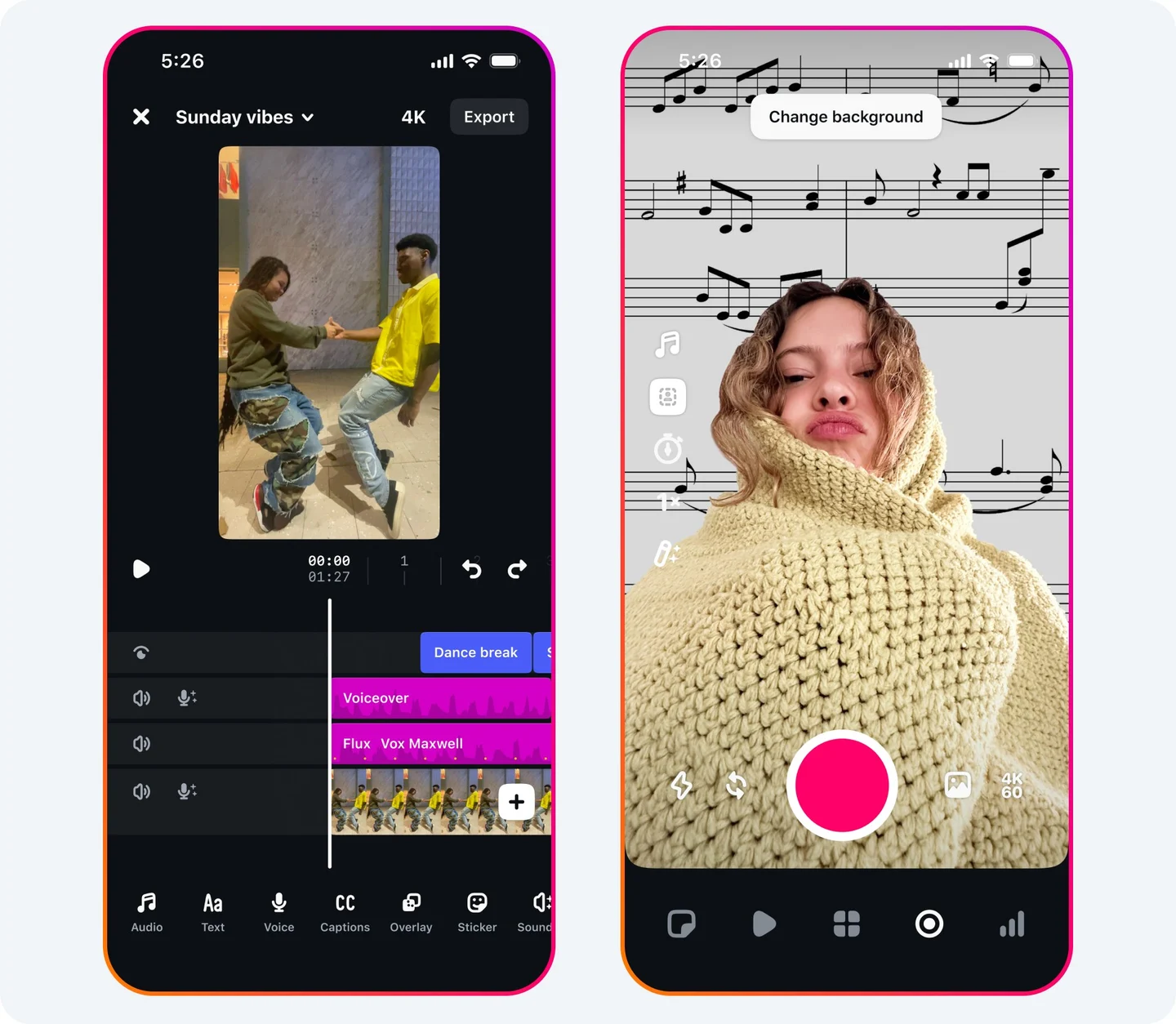
Use a 9:16 sequence with guides for top navigation, bottom captions and the right-side action rail, then keep critical material inside the remaining center area. TikTok’s current ad creative guidance explicitly advises 9:16, high resolution and space for its interface. Google’s video ad specifications likewise publish safe-zone references because overlays vary by format and device. These are advertising documents, not guarantees for every organic screen. Treat them as evidence that interfaces obstruct content, then preview the actual destination before release.
Choose the least destructive layout
Crop only when all proof anchors fit without frantic tracking. Use a slow keyframed pan when attention moves once from person to object. Use stacked or split panels when two elements must be compared simultaneously. Replace a horizontal screen recording with a native vertical capture or enlarged detail when text becomes unreadable. Avoid decorative blurred backgrounds if they reduce contrast or suggest missing information. Auto-reframe can propose motion, but a human must confirm that it follows the evidence rather than the largest face.
Try a hypothetical proof map
Imagine a landscape cooking shot with the pan on the left and thermometer on the right. A center crop keeps neither. During the temperature claim, show a close insert of the thermometer with its unit; during the texture claim, cut to the pan. If both readings must be compared at once, use a split frame with labels. Do not animate the thermometer beside footage from another take unless the relationship is explicit. This is a hypothetical editing example, not a food-safety recommendation.
Run a platform preview pass
Export a review version with numbered proof anchors. Upload privately or use the platform’s available preview, then inspect on a representative phone with captions, account name, description expansion and controls visible. Pause at the first frame, every proof beat and the final action. Record platform, app state, device class and date because interfaces change. Keep a clean high-resolution master and separate caption file so future versions do not compound crops. The standard is not “fills the screen.” It is “the viewer can still see the evidence and understand what changed.” Include one colleague who has not seen the source edit; ask them to identify the proof without prompting, because familiarity can hide a crop failure.
Put it into practice
Sources & limits
Published safe-zone material is primarily ad guidance and interfaces vary by device, account and update; every destination version still needs a current preview.
- TikTok Creative Codes: 6 Principles for Creating Effective Ads ↗
TikTok's ad guidance recommends vertical 9:16 footage and reserving space for interface overlays.
TikTok for Business · Source publication date not stated · Reviewed: 2026-09-19 - About video ad specs ↗
Google publishes vertical video dimensions and safe-zone references because overlays and controls can cover important elements across YouTube inventory.
Google Ads Help · Source publication date not stated · Reviewed: 2026-09-19