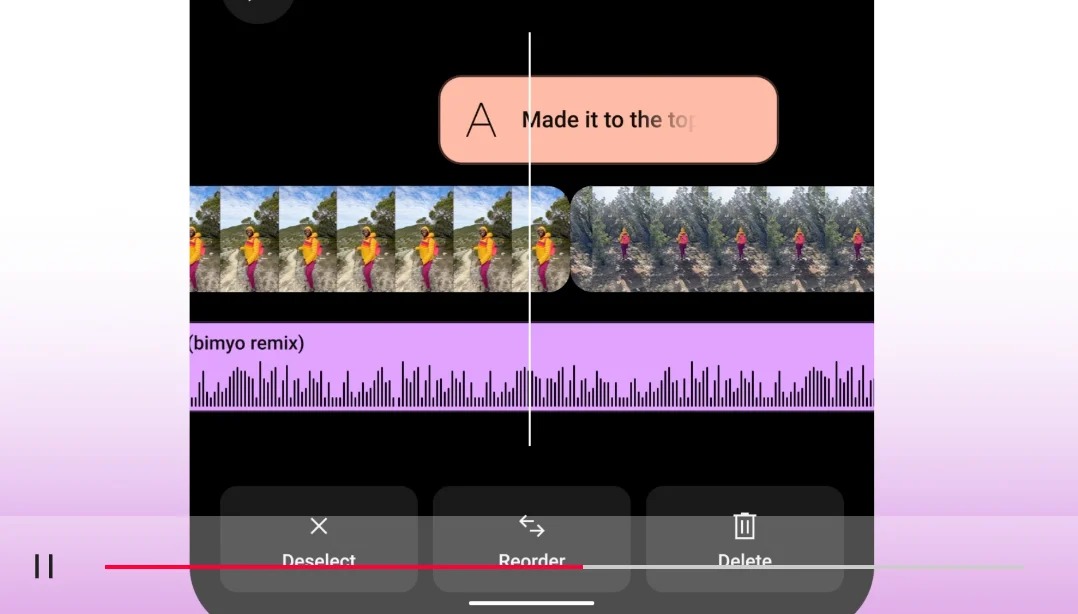
Write the proof beat first
A demonstration is not a list of benefits over decorative footage. Begin by writing the moment a viewer can inspect: the stain lifts from half the tile, the spreadsheet flags a duplicate, or the camera setting changes the final frame. Capture that action in one uninterrupted take if practical. Then write the opening and explanation around it. This makes it harder to hide a weak claim behind fast cuts and gives the editor a stable piece of evidence.
Use a timed five-beat script
For a roughly 35-second draft, assign 0–3 seconds to the result or problem, 3–8 to the test conditions, 8–23 to the action, 23–30 to the observed result, and 30–35 to the limit and next step. These timings are an editorial starting point, not an algorithmic optimum. Read the script aloud with the actions. If the hand movement takes six seconds, the line must make room for six seconds; speeding footage may make a real process look unreal.
Build a hypothetical test
Suppose a creator is demonstrating a calendar app’s conflict warning. First frame: two meetings overlap. Context: both calendars are already connected. Action: drag one meeting onto the other. Proof: the warning appears and names the conflict. Limit: the clip does not test every calendar provider. Next step: “Check your connected calendars before relying on the alert.” The screen capture should show the pointer and result at a readable scale. This is a hypothetical script, not evidence that a named app behaves this way.
Pair every sentence with a shot
Create two columns: spoken or on-screen words on the left, visual evidence on the right. Mark lines as claim, instruction, context or caveat. A claim without a shot needs a source card, a qualified rewrite or deletion. An instruction needs enough screen time to follow. Context can be compressed, but not when removing it changes the meaning. For web-hosted versions, W3C’s current media guidance says captions should include speech and relevant non-speech audio, while important visual information needs description in audio or an alternative where required; see Making Audio and Video Media Accessible.
Review at normal speed and muted
First watch with sound: can the viewer reproduce the action? Then mute it: do captions and visuals preserve the core instruction? Finally watch only the proof segment: are conditions, cuts and labels honest? Keep a source or test note for factual claims and avoid “works every time” unless the evidence actually supports universality. The practical goal is not maximum speed. It is the shortest version that still lets a skeptical viewer see what happened, under what conditions, and what remains untested. If a reviewer cannot pause on the evidence and explain it, restore time or simplify the claim.
Put it into practice
Sources & limits
The timing pattern is a starting template, not a universal performance formula; regulated, safety-critical or complex demonstrations may require substantially more context and specialist review.
- Making Audio and Video Media Accessible ↗
W3C distinguishes captions, transcripts and descriptions of visual information and recommends planning accessibility during production.
W3C Web Accessibility Initiative · Source publication date not stated · Reviewed: 2026-09-19