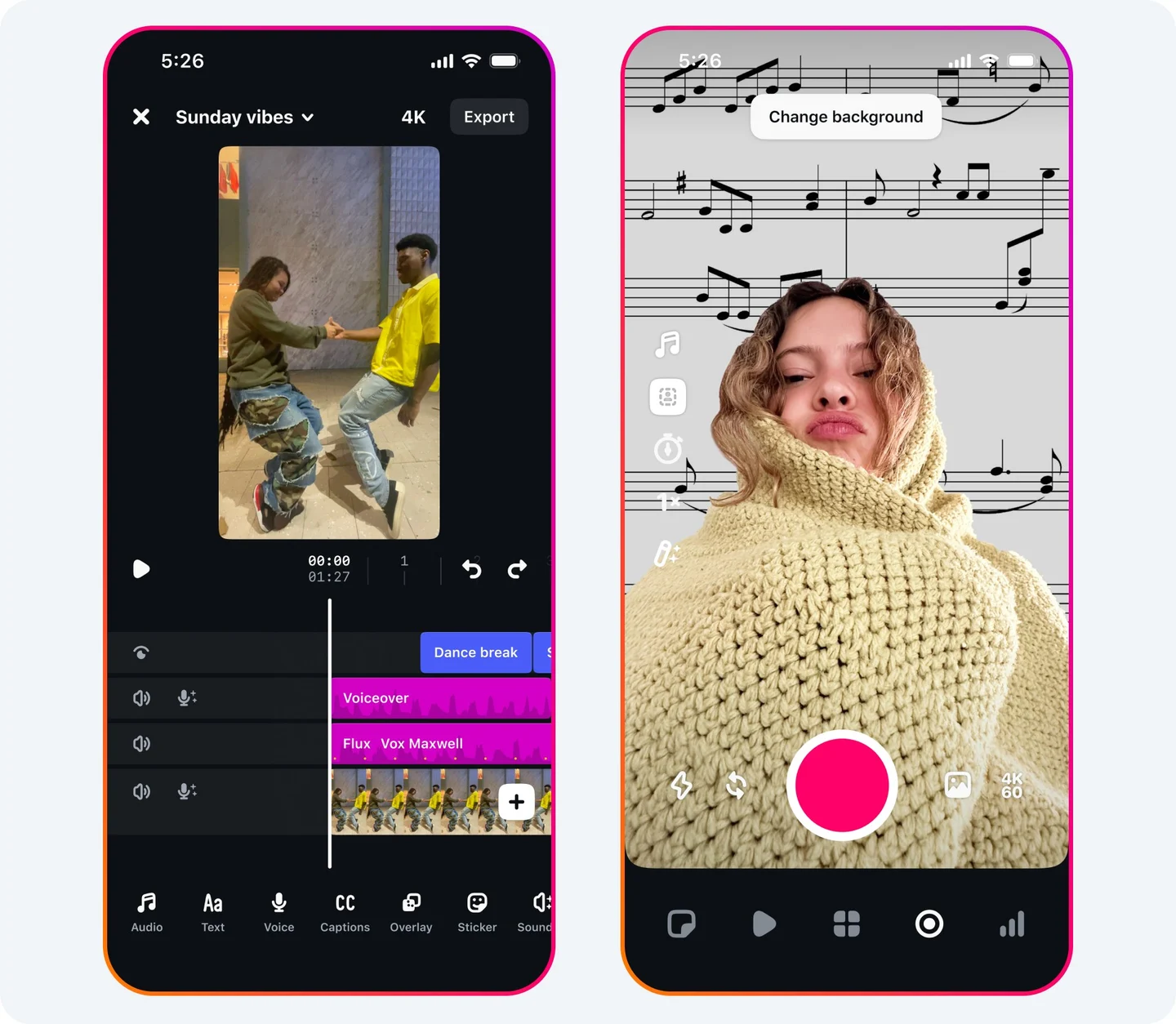
Separate transcription from captioning
Automatic transcription gives you candidate words. Captioning adds timing, line breaks, speaker identity and relevant sound. W3C’s media accessibility guidance describes captions as a text version of speech and non-speech audio needed to understand the content; it also distinguishes captions from transcripts and description of important visuals. Use that as a design requirement for the web version, then adapt presentation to each platform without removing meaning.
Run a meaning-first text pass
Compare the generated text against the final audio, not the script. Correct names, product terms, numbers, negation and homophones first because they can reverse a claim. Expand unexplained acronyms when the audience may not know them. Preserve deliberate grammar and dialect; do not “clean up” a speaker into saying something else. Mark relevant sound compactly, such as “[timer beeps]” when the beep triggers the next action. Decorative background music rarely needs a running description, but meaningful lyrics or sound cues require judgment and rights review.
Time for reading and action
Break lines at natural phrase boundaries and keep each caption on screen long enough to read while watching the demonstration. Do not flash a full sentence for the duration of one word. Shift captions away from the proof, interface controls and faces rather than shrinking them into illegibility. Check contrast against every shot, not only the title card. If platform-native captions can be toggled, keep a clean caption file as the source of truth; if burned-in text is necessary, preserve a clean master for future languages and layouts.
Use a two-person QA loop
The editor performs the first pass with headphones and waveform. A second reviewer watches once muted, then once with sound. The muted pass asks whether the clip is understandable and whether essential visual information is only implied by narration. The sound-on pass catches timing errors and missing cues. For a hypothetical repair, “fifteen milligrams” misrecognized as “fifty” is a stop-ship accuracy error, while a line break after an article is a readability defect. Health content would also require qualified claim review; caption accuracy alone cannot validate the advice.
Archive text as an asset
Store the approved transcript, caption file, language, reviewer, date and final-video hash or filename together. Recheck captions after any trim, speed change or audio replacement. On the website, provide a transcript or equivalent path when appropriate and ensure important visual-only information is also available; W3C notes that description may be needed when visuals carry information absent from audio. Accessibility requirements vary by context and jurisdiction, so this workflow is practical editorial guidance, not a compliance opinion. Its immediate test is simple: the captions should preserve meaning, remain readable and avoid obscuring the proof. Invite correction when a specialist term or person’s name is uncertain, and update every derived language file after the source correction.
Put it into practice
Sources & limits
This is an editorial QA workflow, not jurisdiction-specific accessibility or legal advice; platform caption controls and organizational obligations can differ.
- Making Audio and Video Media Accessible ↗
W3C explains the distinct roles of captions, transcripts and descriptions and states that captions include relevant speech and non-speech audio information.
W3C Web Accessibility Initiative · Source publication date not stated · Reviewed: 2026-09-19 - Description of Visual Information ↗
W3C explains when important visual information needs description or a descriptive alternative and recommends planning for it during production.
W3C Web Accessibility Initiative · Source publication date not stated · Reviewed: 2026-09-19